
Scaffold comes in two tiers—Lite and PRO—so you can choose the version that fits your needs.
Note: Scaffold uses what we call Super Sections—sections that include multiple built-in layout variations. This means a single section can be used in several different ways, giving you far more flexibility than the section count might suggest. We created Super Sections to give you more flexibility without overwhelming your page editor. Instead of listing dozens of similar sections, we combined them into powerful multi-layout components that are easier to browse and use.
Scaffold Lite
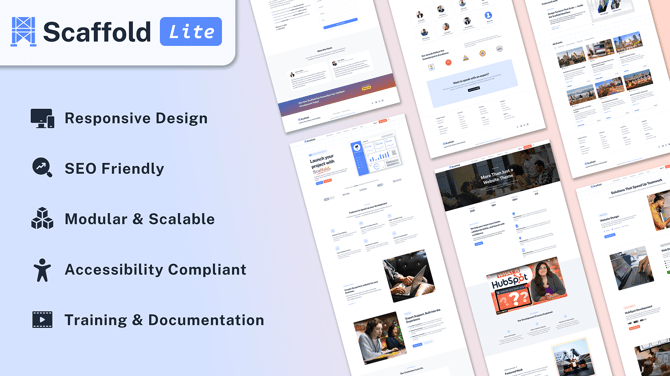
Perfect for small businesses, startups, or those new to HubSpot.
-
14 modules, 24 sections, and 22 templates
-
52 total page components when accounting for Super Sections
-
Core features and responsive design
-
Basic customization options
Scaffold PRO
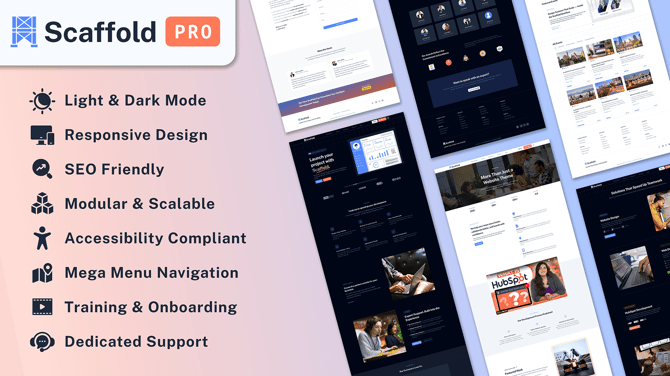
Built for professional teams and agencies that need more flexibility and advanced features.
-
26 modules, 43 sections, and 48 templates
-
91 total page components when accounting for Super Sections
-
Light & dark mode, scroll animations, co-branding, and site search
-
2-hour onboarding session
-
Dedicated support and future updates
-
Advanced blog, navigation, and module capabilities
Upgrade anytime: Unlock powerful features, templates, and support when you move to Scaffold PRO.