
Scaffold Lite gives teams everything they need to start building websites quickly in HubSpot. But as projects grow and workflows become more complex, many teams find themselves looking for additional flexibility, customization, and advanced features.
That’s where Scaffold PRO comes in.
Here are seven of the most common reasons teams upgrade to Scaffold PRO.
1. Advanced Design Features: Light & Dark Mode and Page Animations
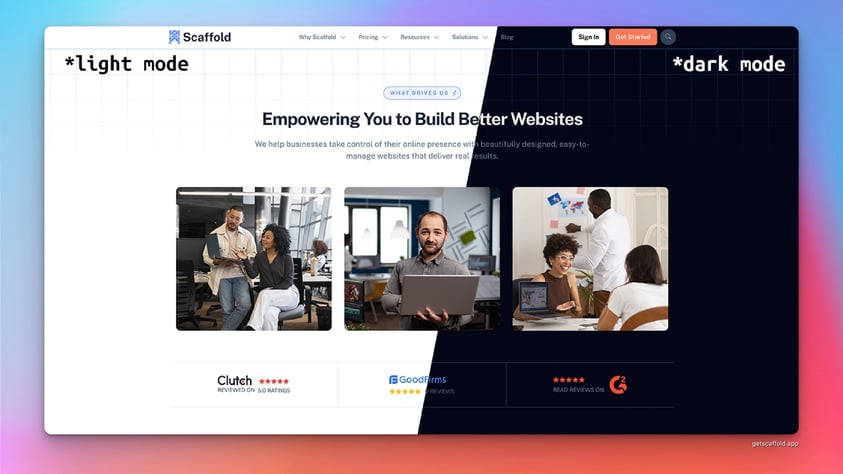
One of the most noticeable upgrades in Scaffold PRO is the ability to create more visually dynamic and polished websites using light and dark mode styling combined with built-in page animations.
Dark mode has become increasingly popular across modern applications and websites. With Scaffold PRO, you can easily design pages that support both light and dark styles without rebuilding layouts or maintaining separate templates.
Scaffold PRO also includes scroll-based page animations that allow elements like images, text blocks, and feature cards to smoothly animate into view as visitors move down the page.
These subtle motion effects help guide a visitor’s attention and make pages feel more modern and interactive—without requiring custom code or third-party animation libraries.
For teams that want their sites to feel polished and professional, these design features make a big difference in the overall user experience.
2. More Advanced Navigation with Mega Menus
As websites grow, navigation often becomes more complex.
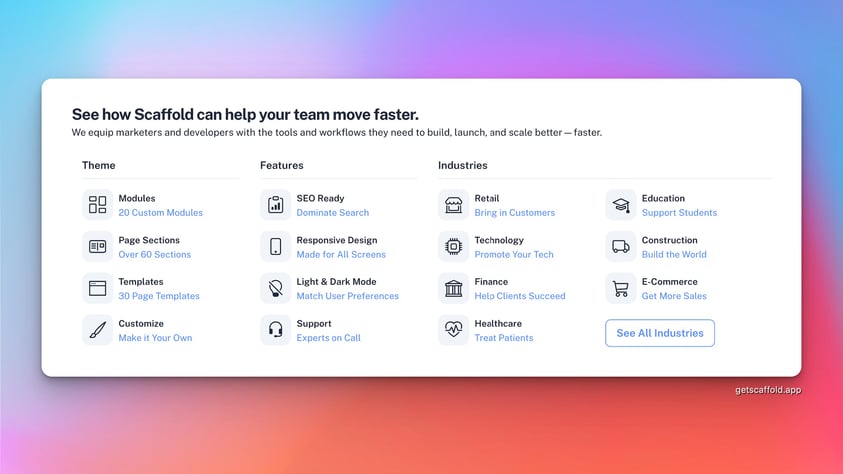
Scaffold PRO includes advanced navigation capabilities, including mega menus and multi-column dropdown layouts. These features make it easier to organize larger sites and improve the overall user experience.
Instead of cluttered dropdown menus, teams can structure navigation in a way that feels clear and intuitive for visitors.
3. Enhanced Blog Features
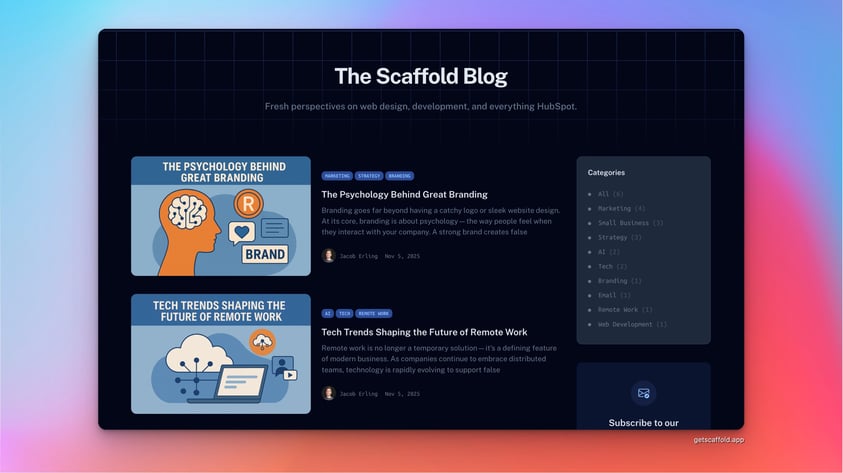
Content marketing plays a major role in many HubSpot websites, and Scaffold PRO includes several upgrades designed specifically for blogs.
These include:
- Blog sidebars
- Related posts
- Popular posts
- Tag and topic navigation
These features help make blog content easier to explore while keeping visitors engaged with more of your articles.
4. Built-In Site Search
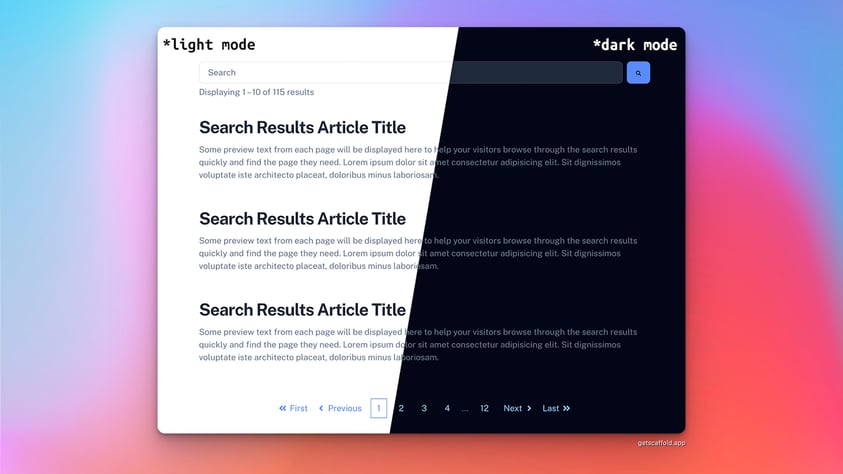
For larger websites, search functionality becomes increasingly important.
Scaffold PRO includes a built-in site search module that allows visitors to quickly find pages, blog posts, and other content across your website.
This improves the overall user experience and helps users navigate content more efficiently.
5. More Modules, More Sections, and More Design Flexibility
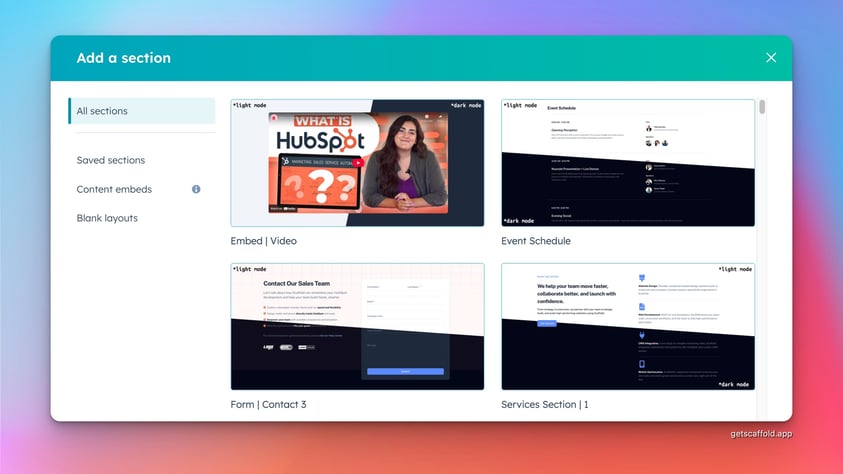
Scaffold PRO significantly expands the available design tools, including additional modules and sections designed for more advanced page layouts.
Teams upgrading to PRO gain access to:
- Additional content sections
- Advanced modules
- More layout options
- Expanded design controls
Scaffold PRO also includes powerful modules like the Resource Library and Event Calendar, which allow teams to create structured content hubs directly within their website.
The Resource Library module makes it easy to organize and showcase downloadable content such as white papers, case studies, solution briefs, and webinars. Visitors can browse and filter resources, helping teams turn their website into a centralized knowledge hub.
The Event Calendar module allows teams to promote upcoming events, webinars, and conferences in a clean, structured layout. Instead of building event pages manually, teams can manage events in one place and display them dynamically across the site.
For agencies, SaaS companies, and content-driven teams, these modules can significantly reduce the time required to build and maintain content-rich websites.
These additions make it easier to build complex pages while maintaining the speed and flexibility that Scaffold is designed for.
6. Embed Almost Anything Into Your Pages
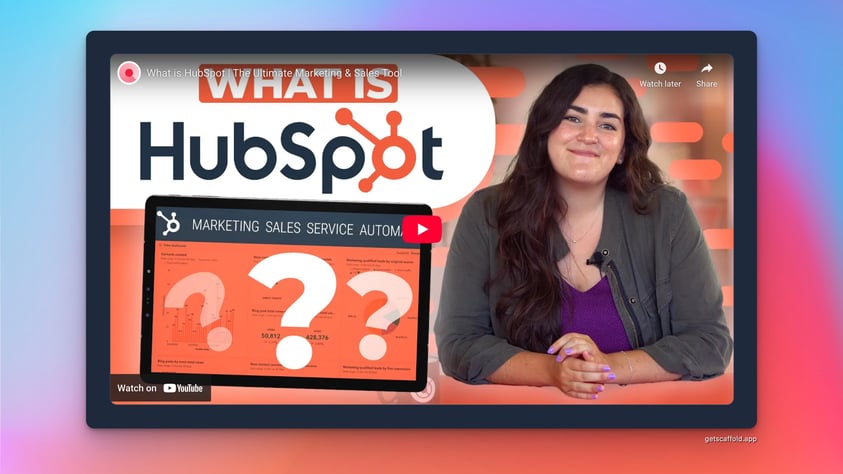
Sometimes the content you want to add to a page doesn’t come from HubSpot—it comes from another tool. With Scaffold PRO’s Embed Code functionality, you can easily place third-party content directly into your pages.
This gives you the flexibility to embed things like:
- Interactive Google Maps
- YouTube or Vimeo videos
- Social media posts or feeds
- Customer review widgets
- Scheduling tools, forms, or other third-party apps
Instead of building custom modules or editing code, you can simply paste the embed snippet and publish your page.
For agencies and growing teams, this flexibility makes it much easier to integrate the tools you already rely on—without slowing down your workflow.
7. Support and Onboarding Included
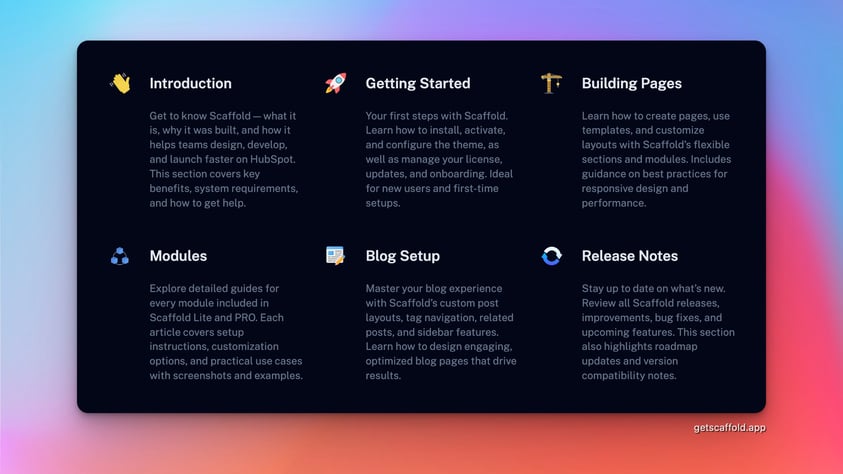
Another major benefit of upgrading to Scaffold PRO is access to dedicated support and onboarding.
PRO users receive:
- 2-hours of onboarding sessions to help get their site set up quickly
- Direct access to support portal for questions or troubleshooting
- Ongoing guidance for getting the most out of the theme
For teams building larger websites or working with clients, this level of support can make a big difference.
Is Scaffold PRO Right for You?
If you’re building a small site or just getting started with HubSpot development, Scaffold Lite may be all you need.
But if you want more advanced features, greater flexibility, and dedicated support, Scaffold PRO provides the tools to take your website further.
There is also a full 30-day money back guarantee. You can explore everything included in Scaffold PRO here:
👉 Learn more about Scaffold PRO